| Multi-CH CAN Input |  |
Analog Signal Output |
| Multi-CH Analog Input | |
CAN Output |
| No Complex Setup Required |
| No Expensive Analyzers Needed |
| No Costly Diagnostic Tools |
| Input CAN Bus |
|
Automotive, Construction/Agricultural Machinery, Office Equipment, etc.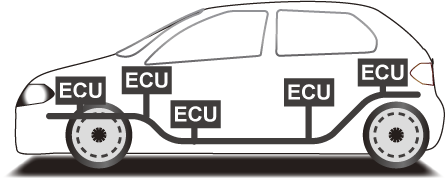 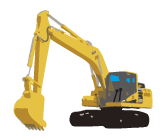   |
|
| Conversion | |||
|
|
| Analog Output Verify Data Using Your Own Equipment Easily Acquire CAN Signals |
|
Data Loggers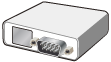 |
Oscilloscopes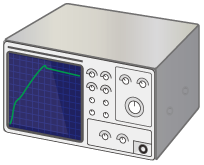 |
| Input Specific CAN Signals |
|
| |
|
| Conversion | |||
|
|
| Alarm Output |
||
External Power Supply |
Voltage Applied |
Relay ON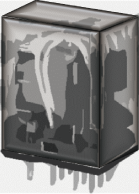 |
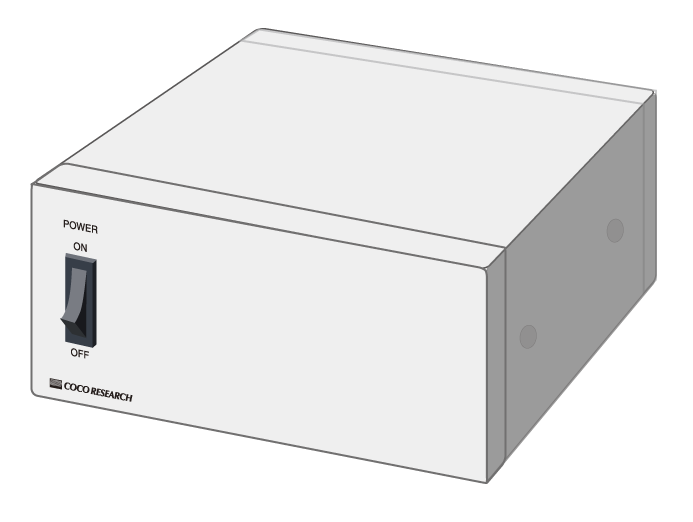
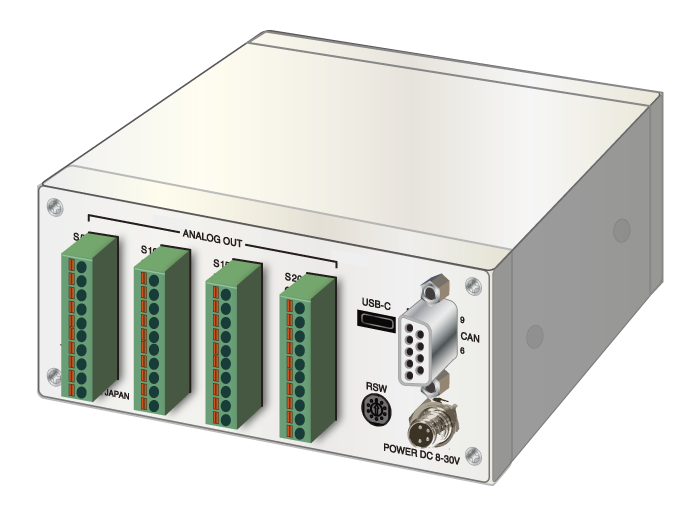
| Selectable I/O Options | ||||||||||||||||||||||||||||||
|
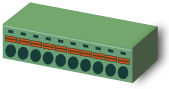
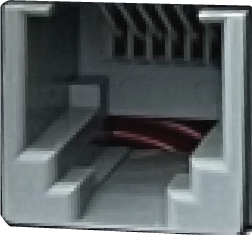
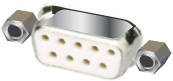
| Selectable Connectors (Flexible Combinations) | |||||||||||||||||||||||
|
Dedicated Software (Free)
LINKSHIP, our configuration management PC software, is available for free download and use.
|
| > Go to LINKSHIP Page |
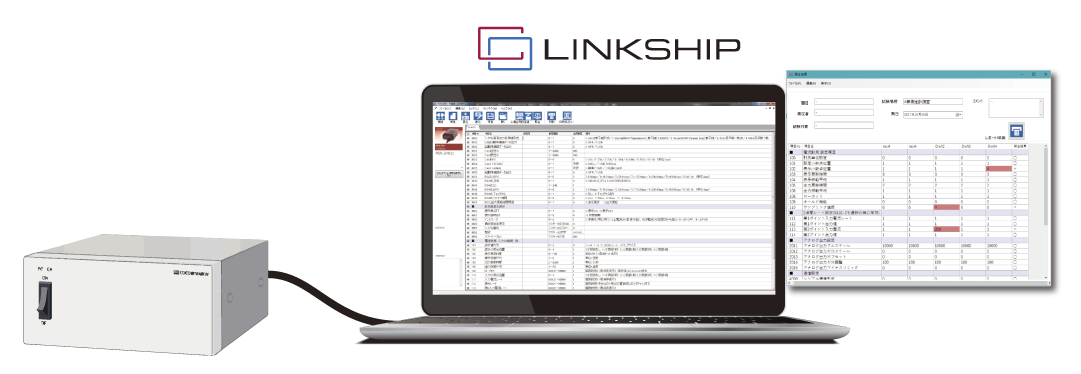
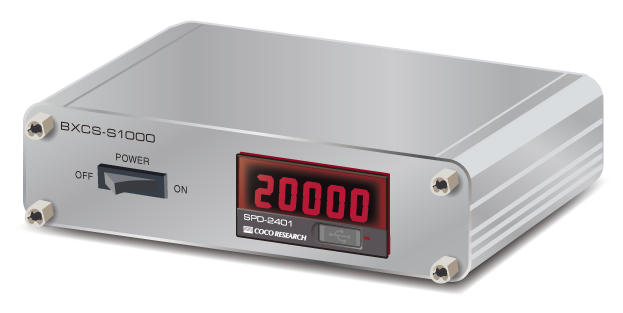
USB Type-C ConnectorConfigure CAN communication parameters and settings via PC. LCD Monitor (Optional)Freely customize display timing, measurement units, and parameters. Power Supply: DC 8–30VAC adapters can also be provided upon request. |
*The specifications below represent a single example. Please contact us regarding alternative outputs, connectors, and display options.
*Analog-Input / CAN-Output models are also available.
| Product Name | CAN-to-Analog Converter | |
| CAN Communication Section | ||
| Protocol Standard | CAN 2.0B | |
| Transmit ID | Configurable Range: 1 - 9999 | |
| Receive ID | Configurable Range: 1 - 9999 | |
| Baud Rate (BPS) | Selectable from 10k / 20k / 50k / 100k / 250k / 500k / 1M (bps) | |
| Data Format | Selectable: INTEL (Little Endian) / MOTOROLA (Big Endian) | |
| Frame Type | Selectable: Standard (11-bit ID) / Extended (29-bit ID) | |
| Analog Output Section | ||
| No. of Channels | 20 Channels (Modifiable: Please consult us) | |
| Output Signals | 0-10V / 0-5V / ±10V / ±5V / 4-20mA 【Selected at the time of order】 |
|
| Output Resolution | Approx. 50,000 divisions | |
| Accuracy | ±0.1% F.S. | |
| User Interface Section | ||
| Power Switch | 1 point | |
| Configuration Interface | ||
| Connector | USB Type-C | |
| General Specifications | ||
| Supply Voltage Range | DC 8 - 30V | |
| Operating Temp Range | 0°C to 50°C | |
| Isolation | Power Supply / CAN Communication & Analog Output / Enclosure | |
| Accessories | 1x Power Plug Cable: M8 straight-type 4-pin socket connector with 2m cable | |
| > View Application Examples |
| Flexible Measurement Types & Channel Counts |
| Available from a Single Unit |
| Convenient, Simple, and Low-Cost |
| Calibratable as an Embedded System |
| Functional Changes: Power, Output Voltage, Communication Specs, etc. |
| Calibration Documents & Traceability Charts Available |
| > details |
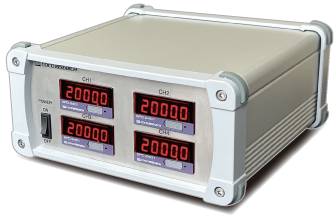
| > details |
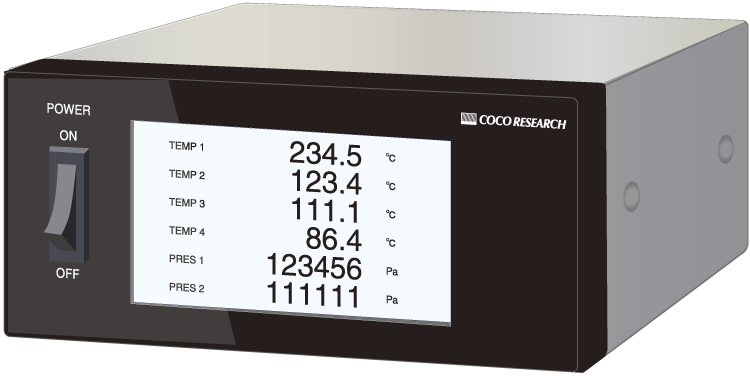
| > details |
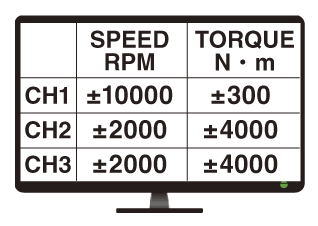
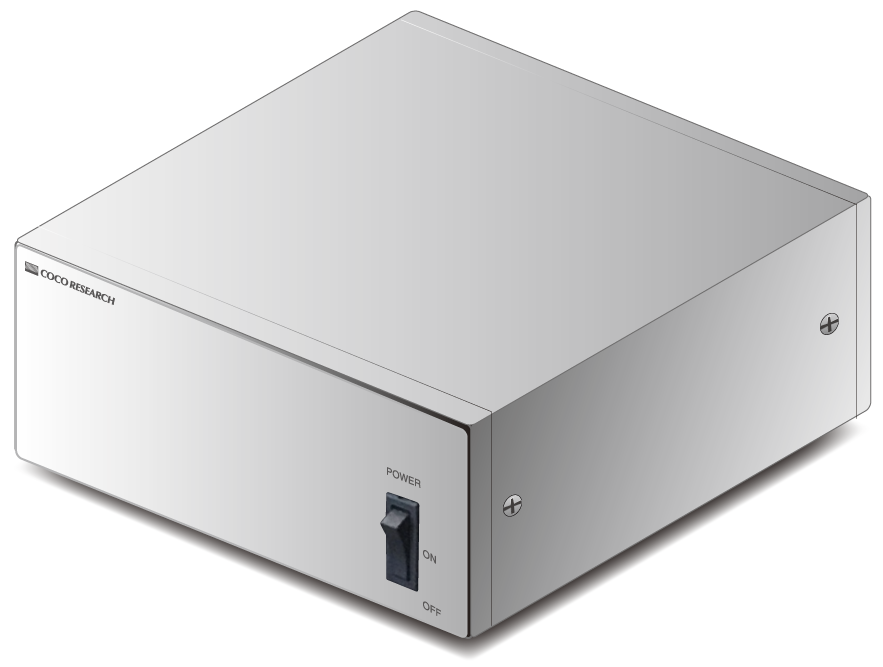
| > details |
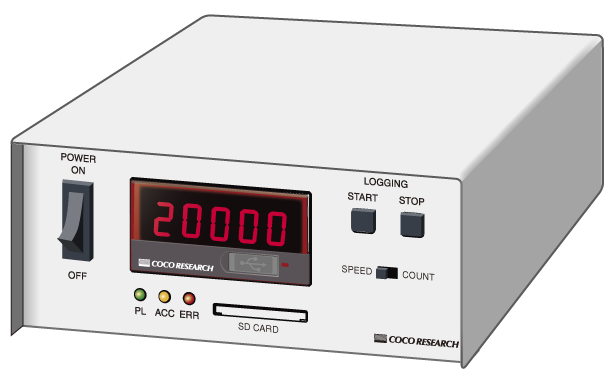
| > details |
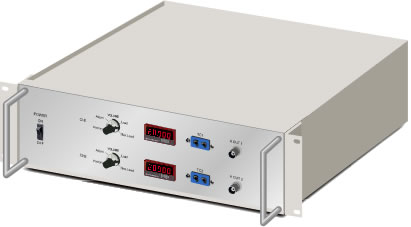
| > details |